
 Installer portal
 Solar Academy
 Download
 Solar Terminal
KOSTAL Remote Access: The new remote access feature for the PLENTICORE G3
New and efficient: remote inverter maintenance directly via the KOSTAL Solar Portal
With its new Remote Access feature, KOSTAL is significantly expanding the range of service and diagnostic options available to installers. From now on, the user interface of the PLENTICORE G3 inverter can be accessed directly via the KOSTAL Solar Portal – securely, quickly and without the need for an on-site visit.
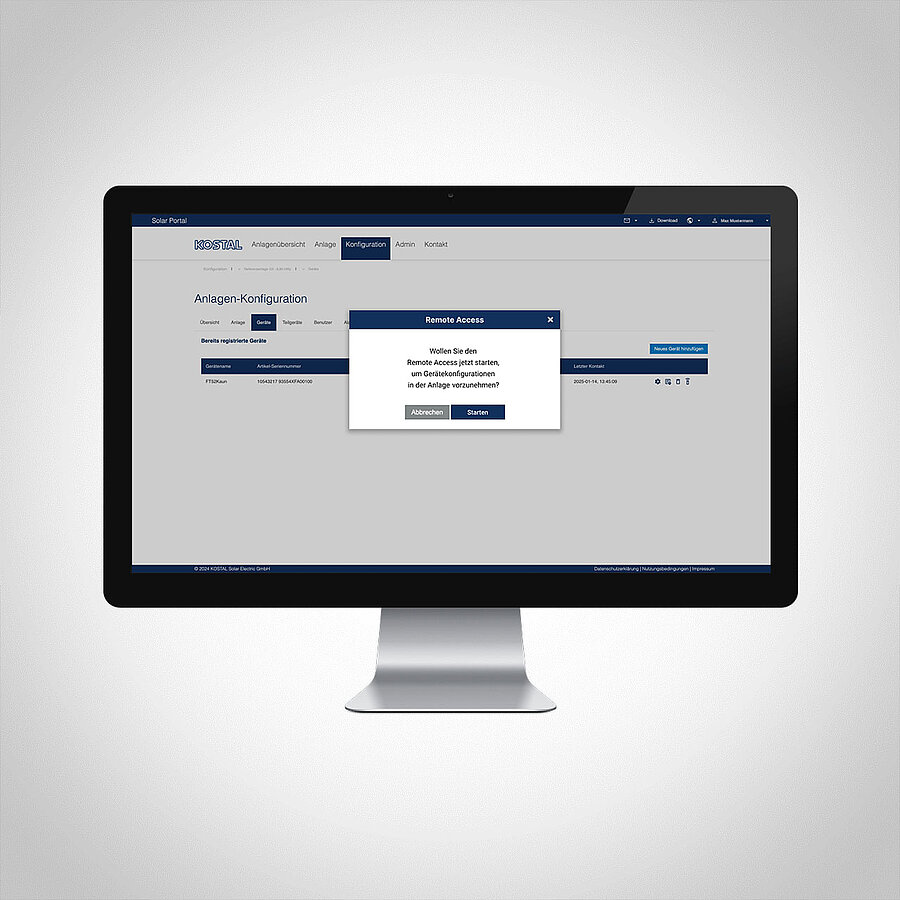
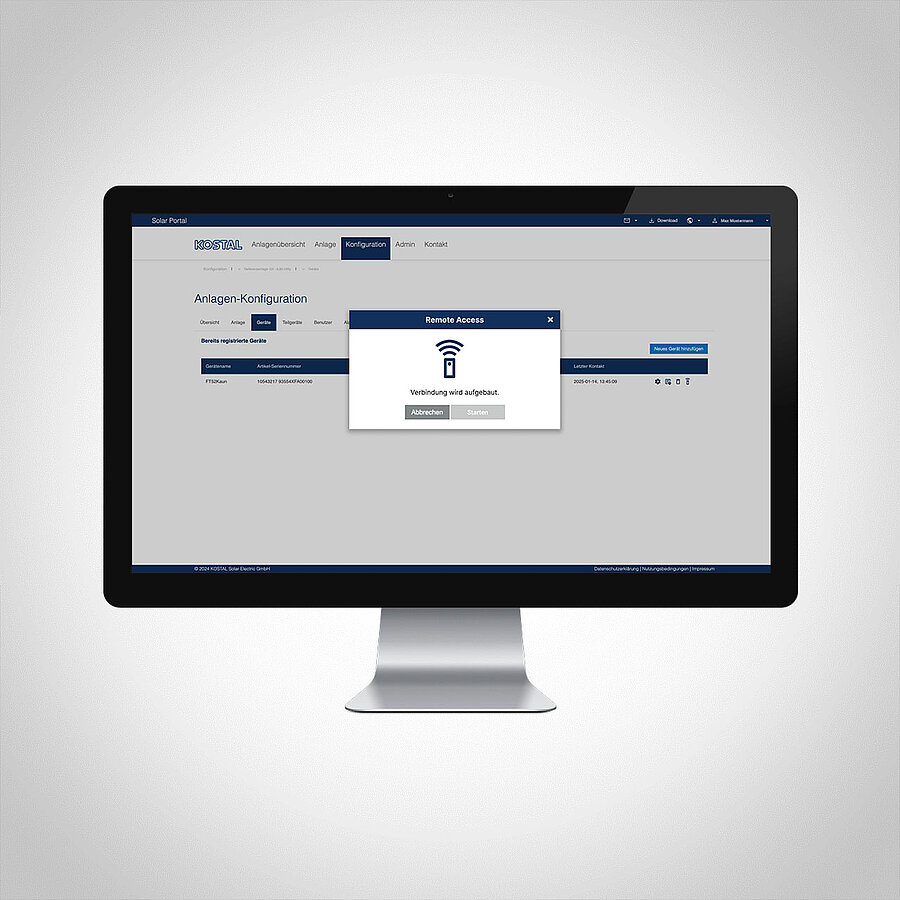
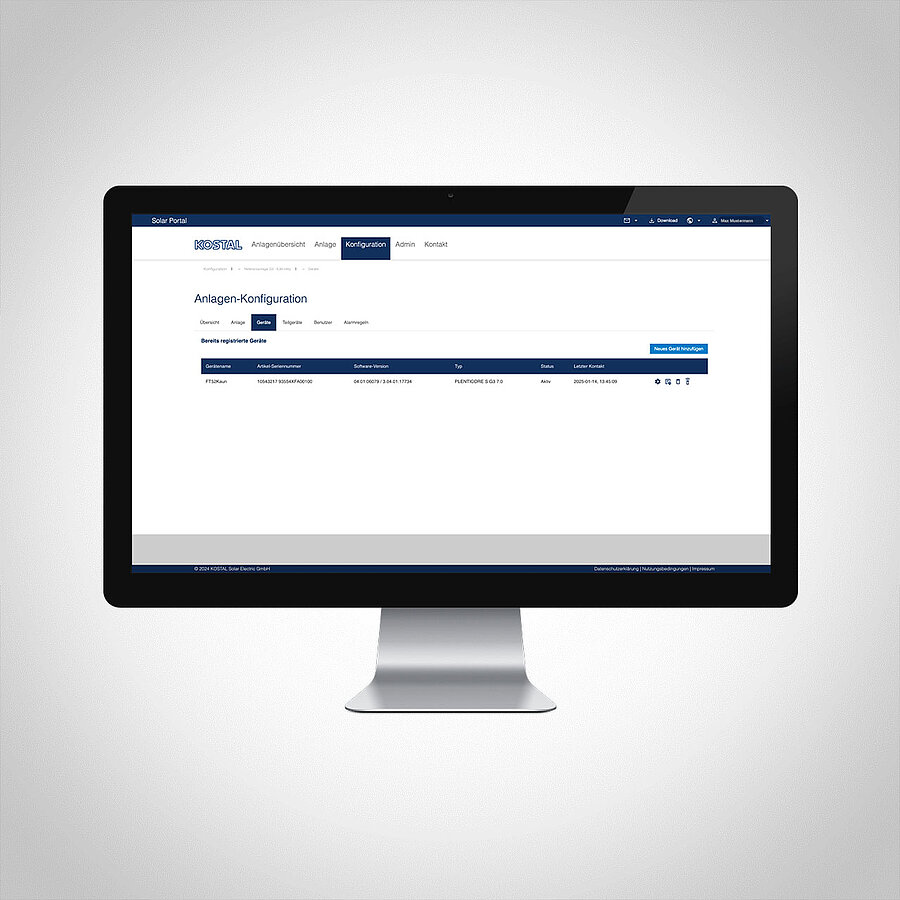
KOSTAL Remote Access: Greater efficiency in day-to-day service operations
In traditional system operation, service calls often involve on-site visits – for example, to analyse faults, adjust settings or check operating conditions.
KOSTAL’s new Remote Access establishes a direct connection between the KOSTAL Solar Portal and the PLENTICORE G3 inverter – enabling full remote access* to the inverter’s familiar user interface. The result: significantly reduced service times and less effort in day-to-day operations.
Efficient access with just a few clicks
Once activated by the system operator, the installer can establish a connection to the inverter via the KOSTAL Solar Portal. The device’s familiar login interface then opens.
The authorised KOSTAL installer now has:
- Access to all relevant settings and parameters
- Analysis of operating data and error messages
- Real-time diagnostics
With KOSTAL Remote Access, the full functionality of the local user interface is also available via remote maintenance – without restrictions and designed for daily service use.
Secure: access only with consent
Remote Access follows a clearly defined security and authorisation concept: activation takes place directly on the inverter, whereby the system operator can flexibly decide whether access is granted for a limited period – for example, for 24 hours – or permanently.
At the same time, it is ensured that only authorised users with the appropriate role are granted access. In this way, the plant operator retains full control at all times.
The Remote Access security and authorisation concept at a glance:
- Activation possible directly at the inverter
- via display
- via web server
- Optional:
- Time-limited access (24 hours)
- Permanent access
- Access only for authorised users with the appropriate role
- Role in the terminal: ‘Installation’
- Role in the customer system: “System Admin”
This ensures that control remains with the system operator at all times.
Technical requirements at a glance
Several requirements must be met to use Remote Access: The PLENTICORE G3 inverter must have the latest software version (03.06.06xxx or higher).
In addition, the accessing installer requires a corresponding role in the KOSTAL Solar Terminal. Furthermore, remote access must be enabled on the device and the system must have a stable internet connection.
Summary of all requirements for Remote Access:
- Current software version of the inverter (from version 03.06.06xxx)
- Installer with the appropriate role in the KOSTAL Solar Terminal (Installation)
- The installer must be registered as a “System Admin” for the customer’s system in the Solar Portal
- Remote access activated in the device by the system operator
- Internet connection for the system
Service with security for installers and system operators
The introduction of remote access for the PLENTICORE G3 marks an important step towards digital and efficient system management. Both parties benefit significantly from the secure connection between the KOSTAL Solar Portal and the inverter.
Whilst installers can plan their day-to-day business more effectively, system operators enjoy faster support whilst retaining full control over their security settings. Faster analysis, more targeted responses and efficient system management – fewer on-site visits. This is what the new KOSTAL Remote Access for the PLENTICORE G3 offers.
Tip: Download the KOSTAL Remote Access quick guide here
*Updates cannot be uploaded to the device via this connection.