
 Installer portal
 Solar Academy
 Download
 Solar Terminal


Let’s go! Time for an upgrade
Switch now: to KOSTAL Solar 4me
Switch to Solar 4me now.
With KOSTAL Solar 4me, you can conveniently keep an eye on your photovoltaic system via your smartphone. A modern design, clear system monitoring and new features such as live data on your home network and direct access to your wallbox bring immediate improvements.
Here’s how it works:
- Set up live data
- Update EnergyMeter
- Update PLENTICORE
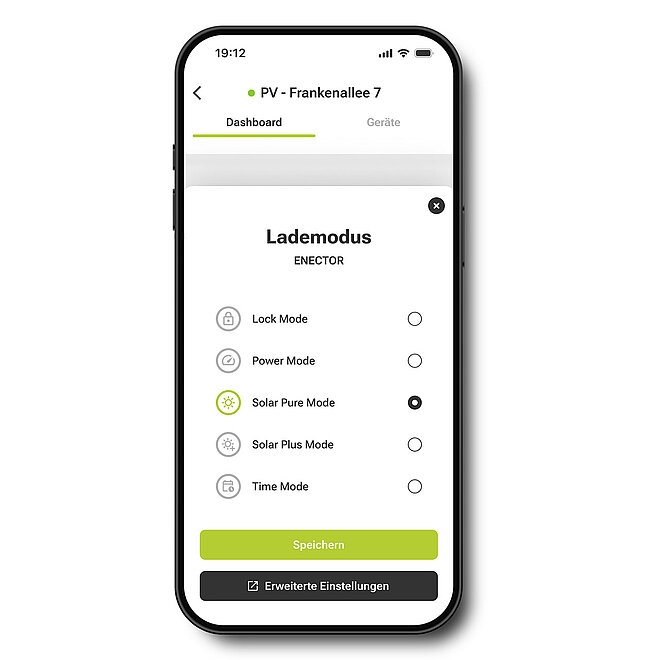
- Use the wallbox in the app
Simply log in with your existing KOSTAL account – your system, which is already stored in the KOSTAL Solar Portal, will be imported automatically.
Simply sign up and get started
Are you already using the KOSTAL Solar Portal or the previous KOSTAL Solar app? If so, you do not need a new account. Download KOSTAL Solar 4me and log in using your existing login details. You can then access your system and the energy data available in the KOSTAL Solar Portal directly within the new app.
Good to know: You do not need to update your devices first to view the standard system overview. Having the latest software version is particularly important if you wish to use additional features such as live data or the simplified wallbox control.
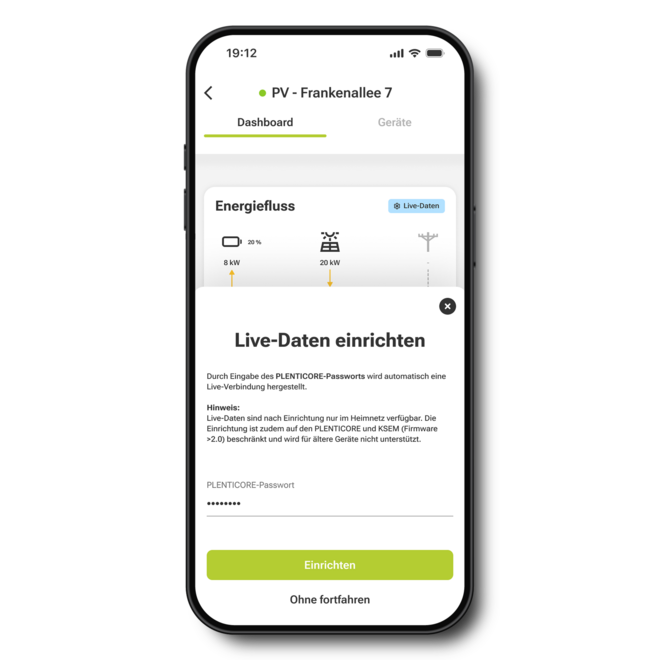
Setting up live data? Here’s how!
Let’s see what’s happening in your system right now: with live data, you can monitor your system’s current energy flows directly in the app via your local network – for example, PV generation, consumption, battery storage and grid consumption.
For the live data to work, the relevant KOSTAL devices must be connected to your home network and running the latest software version. The app guides you through the setup process and shows you which devices are relevant to your system.
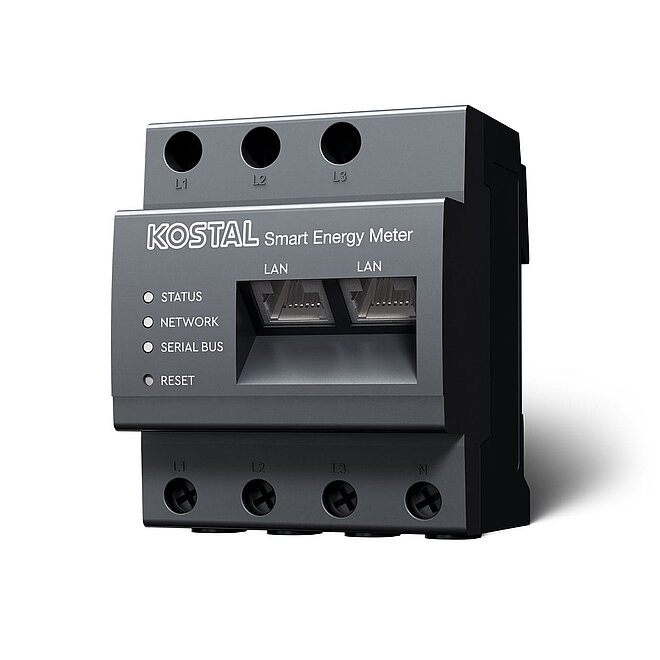
Updating the KOSTAL Smart Energy Meter
For certain installations, the KOSTAL Smart Energy Meter (KSEM) provides the necessary data – for example, in installations with multiple inverters or in certain system configurations.
To use the live data function, your KSEM must be running software version 2.7 or later.
Here’s how:
Also available for download as a PDF (German / English)
Important for first-generation KOSTAL Smart Energy Meters:
A software update may take some time. Do not interrupt either the power supply or the network connection whilst the update is in progress, and wait until the update process is fully complete.
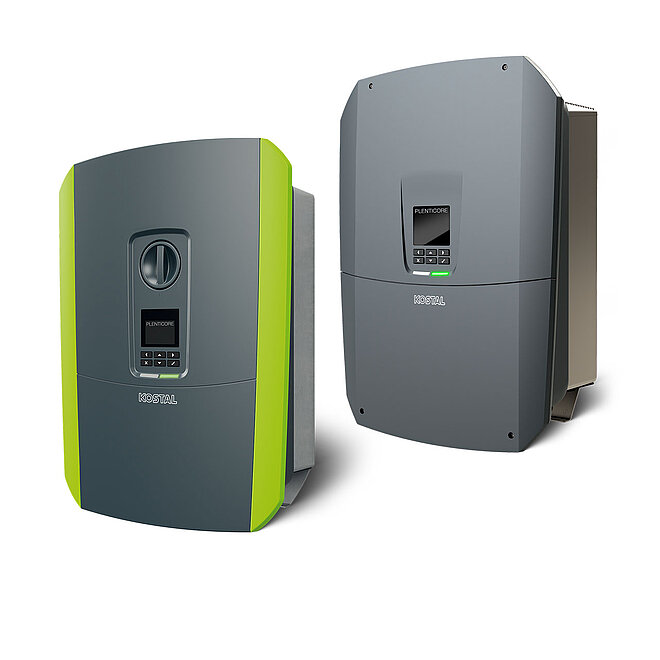
Updating PLENTICORE
For systems where PLENTICORE provides the necessary data, it is best to ensure that the latest software is also installed on the inverter. The easiest way to ensure that your device remains up to date in future is to enable automatic updates.
Instructions: Update PLENTICORE and enable automatic updates in 3 simple steps:
Using the Wallbox in the app
With a KOSTAL Smart Energy Meter set up accordingly, you can also access and control your compatible KOSTAL Wallbox directly via the new app. Direct control via the app requires the KOSTAL Smart Energy Meter to be running the latest software version.
Instructions: Update the KOSTAL Smart Energy Meter and enable auto-update
Also available for download as a PDF (German / English)
How to set up live data and your wallbox
- Open your system in KOSTAL Solar 4me
- Select ‘Set up’ in the dashboard flowchart or choose to set up your Wallbox in the relevant Wallbox widget
- Follow the instructions in the app (usually just enter your password)
- If a software update is required, update the device shown using our step-by-step guide.
Would you like to find out more about the new app and its features?
In our tutorial, we’ll show you the key features and guide you through the set-up process.
You can find further information about KOSTAL Solar 4me and its current features here: Find out
more about KOSTAL Solar 4me
Discover Solar 4me now
KOSTAL Solar 4me lays the foundations for the future and is constantly being developed further. Additional features are being added step by step. Your feedback helps us with this: if you notice anything whilst using the app or have suggestions for future features, you can send us a service ticket directly via the app.
Thank you very much for your feedback so far – we look forward to developing KOSTAL Solar 4me further together with you.